
Ghost images; Gray background; Step 1- Page 100
Lexmark C6160 Owners Manual
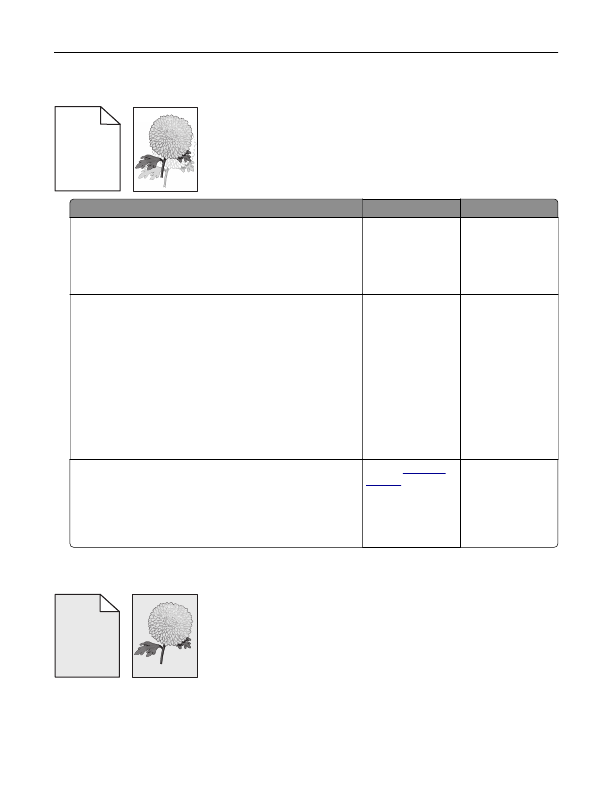
Ghost images
A B C D
A B C D
A B C D
A B C D
Leading edge
Trailing edge
Action
Yes
No
Step 1
a
Load the tray with the correct paper type and weight.
b
Resend the print job.
Do ghost images still appear on prints?
Go to step 2.
The problem is
solved.
Step 2
a
Depending on your operating system, specify the paper type
and weight from the Printing Preferences or Print dialog.
Notes:
•
Make sure that the settings match the paper loaded in
the tray.
•
You can also change the settings on the printer control
panel.
b
Resend the print job.
Do ghost images still appear on prints?
Go to step 3.
The problem is
solved.
Step 3
a
From the Quality menu on the control panel, select
Color
Adjust
.
b
Resend the print job.
Do ghost images still appear on prints?
Contact
.
The problem is
solved.
Gray background
ABCDE
ABCDE
ABCDE
Leading edge
Trailing edge
Troubleshooting
100
Detailed Information for Lexmark C6160 Owners Manual
Lists of information found in Lexmark C6160 Owners Manual - Page 100
- 2. The problem is solved.
- 3. The problem is solved.
- Make sure that the settings match the paper loaded in the tray.
- You can also change the settings on the printer control panel.
FAQ (Frequently Asked Questions) for Lexmark C6160 Owners Manual - Page 100
- Ghost images A B C D A B C D A B C D A B C D Leading edge Trailing edge Action Yes No Step 1 a Load the tray with the correct paper type and weight. b Resend the print job. Do ghost images still appear on prints?
- Go to step 2. The problem is solved. Step 2 a Depending on your operating system, specify the paper type and weight from the Printing Preferences or Print dialog. Notes: • Make sure that the settings match the paper loaded in the tray. • You can also change the settings on the printer control panel. b Resend the print job. Do ghost images still appear on prints?
- Go to step 3. The problem is solved. Step 3 a From the Quality menu on the control panel, select Color Adjust . b Resend the print job. Do ghost images still appear on prints?
Related Documents for Lexmark C6160 Owners Manual
 All trademarks are property of their respective owners. Tightrope
Interactive
All trademarks are property of their respective owners. Tightrope
Interactive