
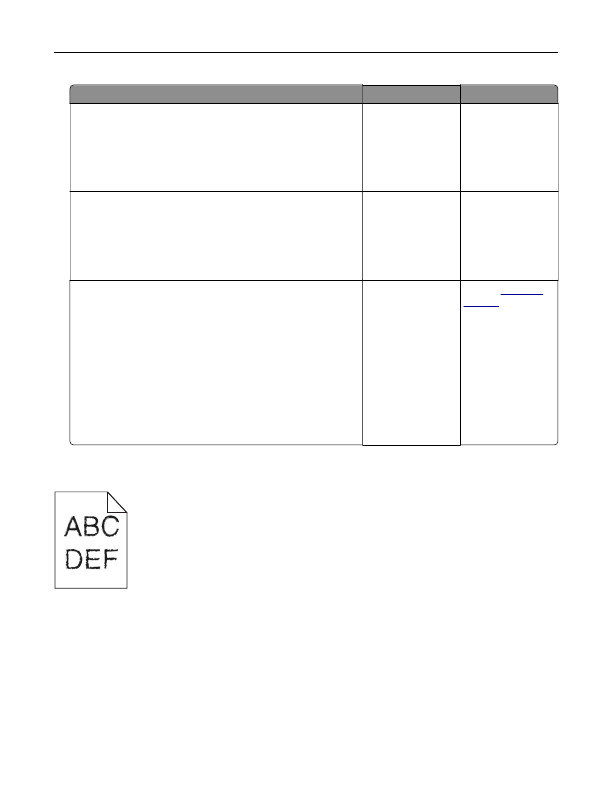
Jagged or uneven characters; Step 1; Step 2- Page 104
Lexmark C6160 Owners Manual
Action
Yes
No
Step 1
a
Squeeze and slide the paper guides to the correct position for
the size of the paper you are loading.
b
Resend the print job.
Are the margins correct?
The problem is
solved.
Go to step 2.
Step 2
a
From the Paper menu on the control panel, check if the printer
is detecting the correct paper size.
b
Resend the print job.
Are the margins correct?
The problem is
solved.
Go to step 3.
Step 3
a
Depending on your operating system, specify the paper size
from the Printing Preferences or Print dialog.
Notes:
•
Make sure that the settings match the paper loaded in
the tray.
•
You can also change the settings on the printer control
panel.
b
Resend the print job.
Are the margins correct?
The problem is
solved.
Contact
Jagged or uneven characters
Troubleshooting
104
Detailed Information for Lexmark C6160 Owners Manual
Lists of information found in Lexmark C6160 Owners Manual - Page 104
- 2. Step 2 a From the Paper menu on the control panel, check if the printer is detecting the correct paper size.
- 3. Step 3 a Depending on your operating system, specify the paper size from the Printing Preferences or Print dialog.
- Make sure that the settings match the paper loaded in the tray.
- You can also change the settings on the printer control panel.
FAQ (Frequently Asked Questions) for Lexmark C6160 Owners Manual - Page 104
- Action Yes No Step 1 a Squeeze and slide the paper guides to the correct position for the size of the paper you are loading. b Resend the print job. Are the margins correct?
- The problem is solved. Go to step 2. Step 2 a From the Paper menu on the control panel, check if the printer is detecting the correct paper size. b Resend the print job. Are the margins correct?
- The problem is solved. Go to step 3. Step 3 a Depending on your operating system, specify the paper size from the Printing Preferences or Print dialog. Notes: • Make sure that the settings match the paper loaded in the tray. • You can also change the settings on the printer control panel. b Resend the print job. Are the margins correct?
Related Documents for Lexmark C6160 Owners Manual
 All trademarks are property of their respective owners. Tightrope
Interactive
All trademarks are property of their respective owners. Tightrope
Interactive