
Understanding the status of the power button and indicator light; Using the home screen; Note: - Page 13
Lexmark C6160 Owners Manual
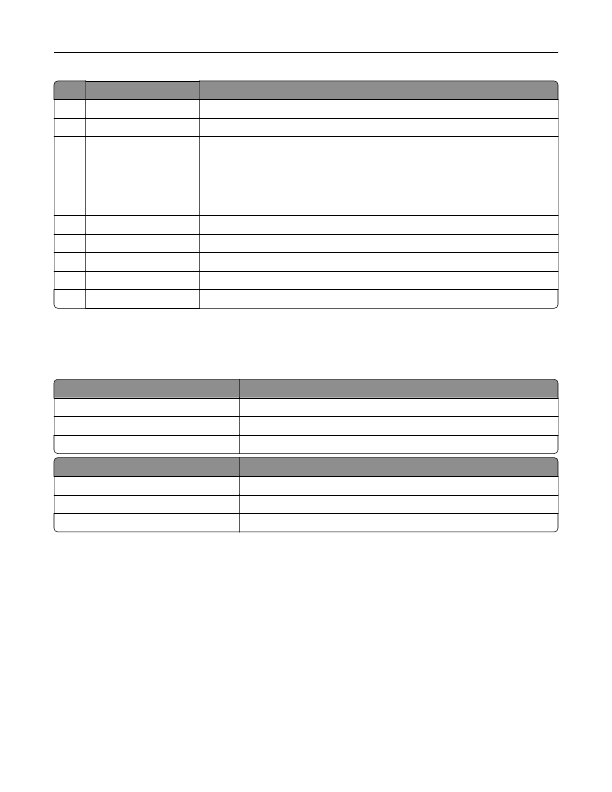
Use the
To
2
Home button
Go to the home screen.
3
Keypad
Enter numbers or symbols in an input field.
4
Power button
•
Turn on or turn off the printer.
Note:
To turn off the printer, press and hold the power button for five
seconds.
•
Set the printer to Sleep or Hibernate mode.
•
Wake the printer from Sleep or Hibernate mode.
5
Stop or Cancel button
Stop the current job.
6
Indicator light
Check the status of the printer.
7
Volume buttons
Adjust the volume of the headset or speaker.
8
Headset or speaker port Attach a headset or speaker.
9
Backspace button
Move the cursor backward and delete a character in an input field.
Understanding the status of the power button and
indicator light
Indicator light
Printer status
Off
The printer is off or in Hibernate mode.
Blue
The printer is ready or processing data.
Red
The printer requires user intervention.
Power button light
Printer status
Off
The printer is off, ready, or processing data.
Solid amber
The printer is in sleep mode.
Blinking amber
The printer is in hibernate mode.
Using the home screen
When the printer is turned on, the display shows the home screen. Use the home screen buttons and icons to
initiate an action.
Note:
Your home screen may vary depending on your home screen customization settings, administrative
setup, and active embedded solutions.
Learning about the printer
13
Detailed Information for Lexmark C6160 Owners Manual
Lists of information found in Lexmark C6160 Owners Manual - Page 13
- Turn on or turn off the printer.
- Set the printer to Sleep or Hibernate mode.
- Wake the printer from Sleep or Hibernate mode.
Related Documents for Lexmark C6160 Owners Manual
 All trademarks are property of their respective owners. Tightrope
Interactive
All trademarks are property of their respective owners. Tightrope
Interactive