
Repeating defects; Step 1; Note: - Page 108
Lexmark C6160 Owners Manual
Action
Yes
No
Step 1
a
Remove the tray.
b
Remove the paper, and then load paper from a fresh package.
Note:
Paper absorbs moisture due to high humidity. Store
paper in its original wrapper until you are ready to use it.
c
Squeeze and slide the paper guides to the correct position for
the size of the paper you are loading.
d
Insert the tray.
e
Resend the print job.
Is the print still crooked or skewed?
Go to step 2.
The problem is
solved.
Step 2
a
Check if you are printing on a supported paper.
b
Resend the print job.
Is the print still crooked or skewed?
Contact
.
The problem is
solved.
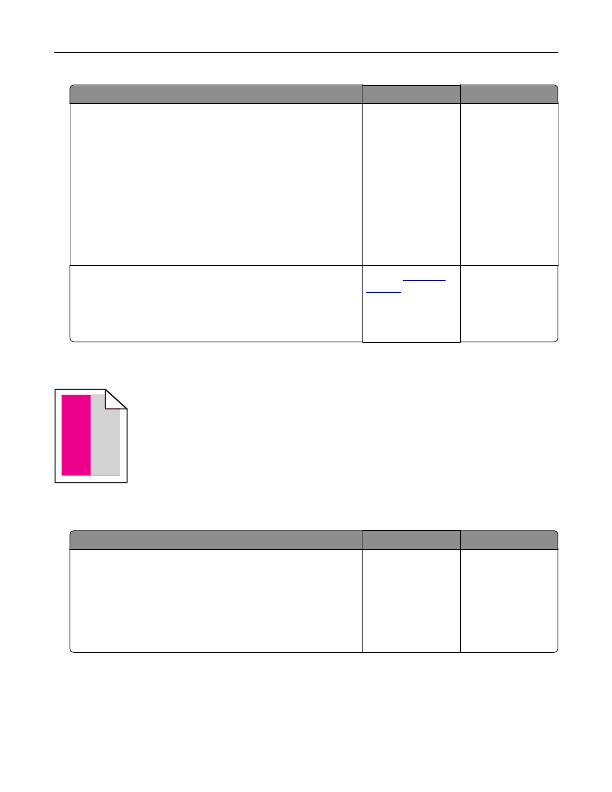
Repeating defects
)
)
)
Note:
Before solving the problem, print the
Maintenance Defect Ruler
from the Troubleshooting section of
the Settings menu.
Action
Yes
No
Step 1
a
Print the quality sample pages.
From the home screen, touch
Settings
>
Troubleshooting
>
Basic Print Quality Samples
.
b
Determine how many colors have defects.
Is only one color affected?
Go to step 2.
Go to step 3.
Troubleshooting
108
Detailed Information for Lexmark C6160 Owners Manual
Lists of information found in Lexmark C6160 Owners Manual - Page 108
- 2. The problem is solved.
- 2. Go to step 3.
FAQ (Frequently Asked Questions) for Lexmark C6160 Owners Manual - Page 108
- Store paper in its original wrapper until you are ready to use it. c Squeeze and slide the paper guides to the correct position for the size of the paper you are loading. d Insert the tray. e Resend the print job. Is the print still crooked or skewed?
- Go to step 2. The problem is solved. Step 2 a Check if you are printing on a supported paper. b Resend the print job. Is the print still crooked or skewed?
- Contact customer support . The problem is solved. Repeating defects ) ) ) Note: Before solving the problem, print the Maintenance Defect Ruler from the Troubleshooting section of the Settings menu. Action Yes No Step 1 a Print the quality sample pages. From the home screen, touch Settings > Troubleshooting > Basic Print Quality Samples . b Determine how many colors have defects. Is only one color affected?
Related Documents for Lexmark C6160 Owners Manual
 All trademarks are property of their respective owners. Tightrope
Interactive
All trademarks are property of their respective owners. Tightrope
Interactive