
Warning—Potential Damage: - Page 124
Lexmark C6160 Owners Manual
7
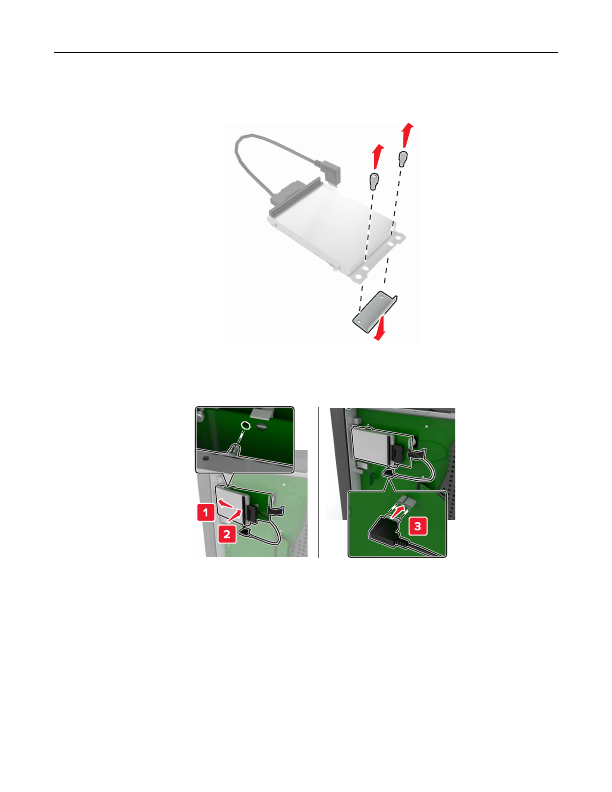
If necessary, attach the hard disk to the ISP.
a
Remove the hard disk bracket.
b
Connect the hard disk to the ISP.
Warning—Potential Damage:
Do not touch or press the center of the hard disk.
Upgrading and migrating
124
Detailed Information for Lexmark C6160 Owners Manual
Related Documents for Lexmark C6160 Owners Manual
 All trademarks are property of their respective owners. Tightrope
Interactive
All trademarks are property of their respective owners. Tightrope
Interactive